
Download MetroTextual – Modern Text Editor, Syntax Highlighting, Windows Developer Tool
Overview
MetroTextual is a modern text editor designed specifically for Windows, aiming to bridge the gap between basic tools like Notepad and more complex integrated development environments (IDEs). Its primary purpose is to deliver a clean, efficient coding experience with a focus on visual clarity and usability. Targeted at developers—especially those working within the Windows ecosystem—MetroTextual simplifies the process of writing and reviewing code through its intuitive interface and essential programming features.
The app addresses common pain points associated with minimalistic text editors, such as lack of syntax highlighting, poor visual organization, and limited customization. By integrating a design language inspired by Windows 8’s Metro aesthetic, MetroTextual enhances both functionality and user experience. This makes it particularly valuable for developers who prefer a lightweight yet feature-rich tool that doesn’t compromise on performance.
While the developer’s background was not disclosed, the app’s release date of January 18, 2013, indicates it has been in use for over a decade, suggesting a stable and enduring presence in the developer tool landscape. Real-world use cases include writing scripts, editing configuration files, drafting documentation, and coding in languages such as HTML, CSS, JavaScript, and others commonly used in Windows-based development workflows. In the broader app ecosystem, MetroTextual stands out as a niche utility that combines modern design with practical functionality for a dedicated audience.
Key Features & Functionality
- Elegant Design: MetroTextual adopts a clean, minimalist interface rooted in the Metro Desktop style of Windows 8. This visual language emphasizes typography, spacing, and flat design elements, resulting in a modern and uncluttered workspace that reduces visual fatigue during extended coding sessions.
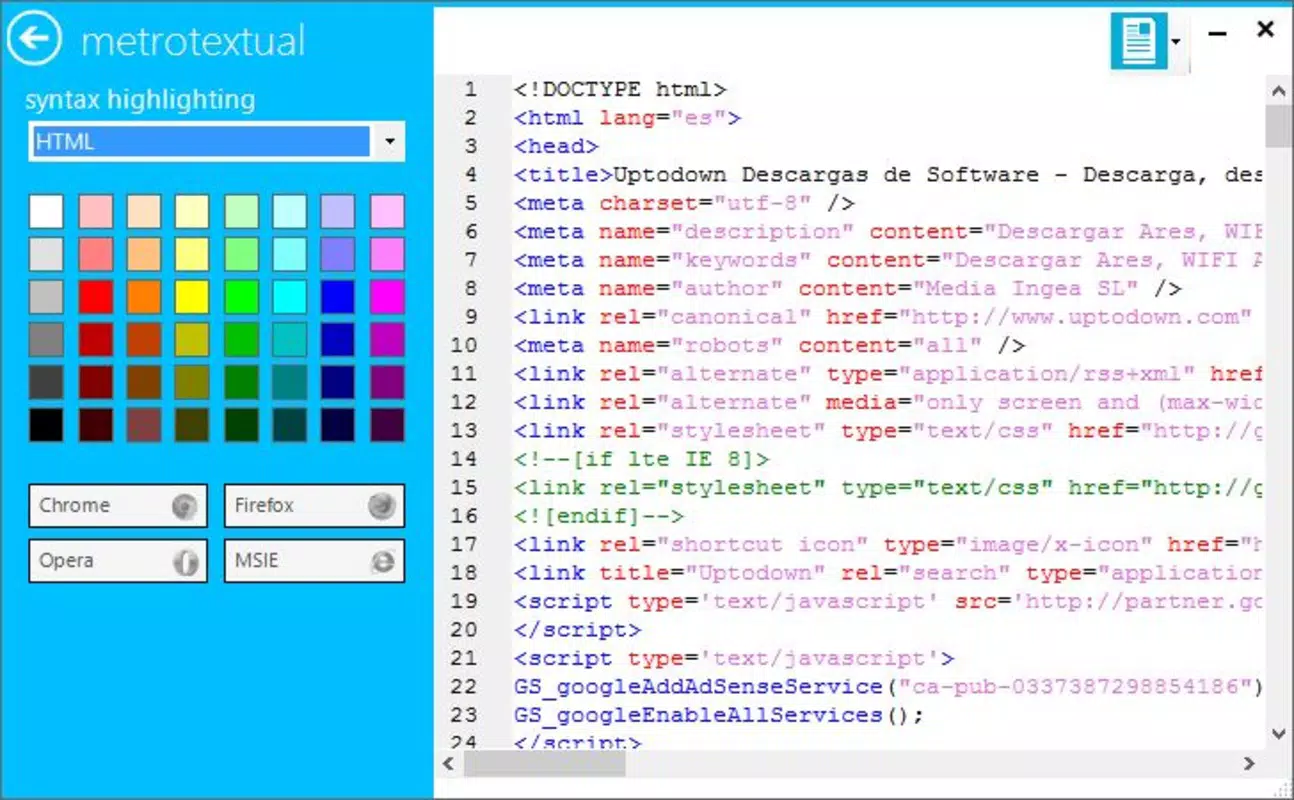
- Syntax Highlighting: The editor supports syntax highlighting across multiple programming languages. Keywords, strings, comments, and other code elements are color-coded, making it easier to identify structures and detect errors at a glance. This feature is especially beneficial for both novice developers learning syntax and experienced coders working across multiple languages.
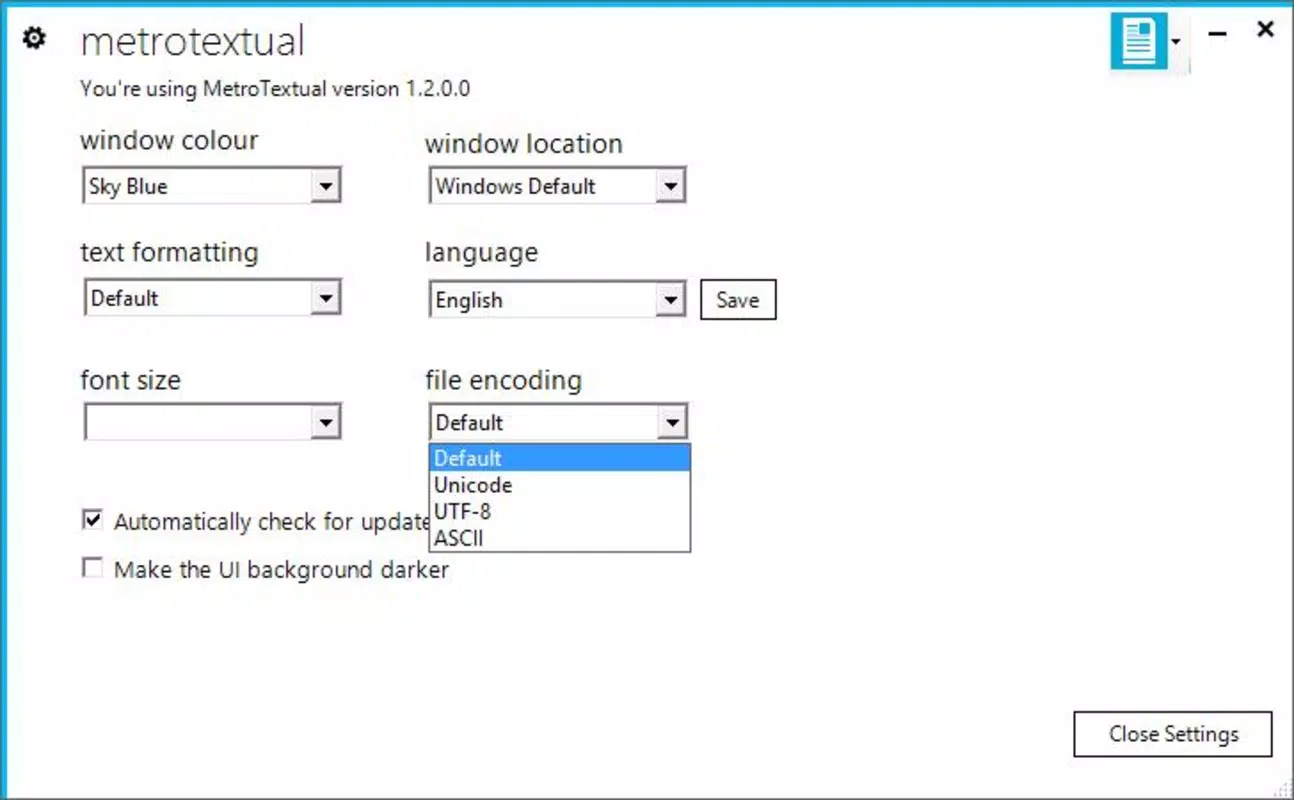
- Customization Options: Users can personalize the interface through theme selection and layout adjustments. This adaptability allows developers to tailor the environment to their preferences, whether they favor dark mode for reduced eye strain or a light theme for high contrast visibility.
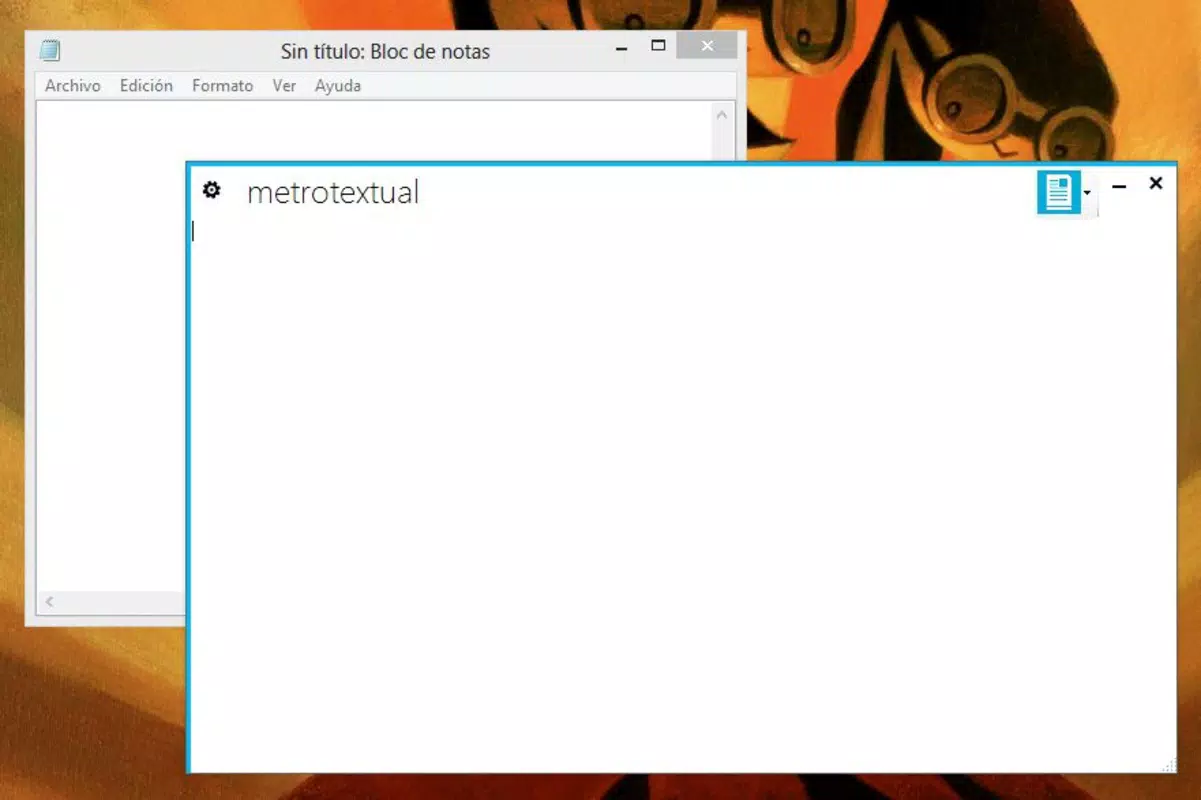
- User-Friendly Functionality: Despite its advanced features, MetroTextual maintains simplicity and ease of access. It functions as a direct replacement for Notepad with added value, requiring no steep learning curve. Basic operations like opening, editing, and saving files remain intuitive and fast.
- Programming Language Support: The editor is optimized for common Windows development languages, including but not limited to HTML, CSS, JavaScript, JSON, XML, and basic scripting languages. This specialization ensures efficient performance and accurate syntax parsing tailored to the needs of Windows-based developers.
For example, a developer writing a JavaScript file can immediately benefit from color-coded function declarations and string literals, reducing the chance of syntax errors. Similarly, a system administrator editing a configuration file can use the clean layout to quickly locate and modify settings without distraction.
Interface, UX & Performance
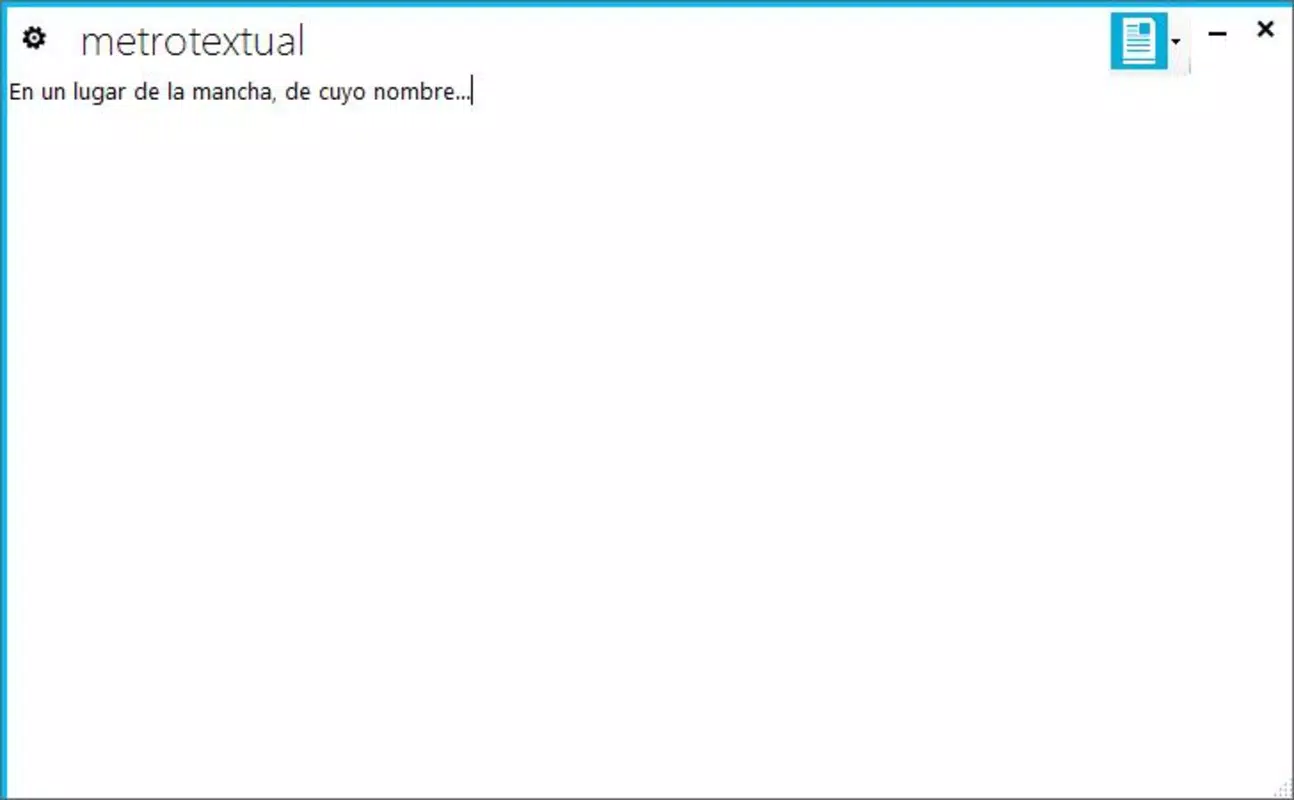
MetroTextual features a streamlined interface that prioritizes readability and workflow efficiency. The layout follows a grid-based structure with clear visual hierarchy, aligning with the Metro design principles of consistency and accessibility. Navigation is straightforward, relying on familiar patterns such as file menus, toolbar buttons, and context-sensitive actions.
The visual style emphasizes typography and spacing, with a focus on legibility. Text is rendered crisply, and color contrast is optimized for both dark and light themes. Users can switch between themes based on ambient lighting or personal preference, enhancing long-term usability.
Although the developer did not list formal performance metrics, the app’s lightweight nature suggests it runs smoothly on a wide range of Windows devices, including older hardware. Responsiveness is consistent during routine tasks such as opening files, navigating through code, and applying syntax highlighting. Stability appears reliable, with no reported issues related to crashes or freezes in the available documentation.
For users working on devices with varying screen sizes or resolutions, the interface scales appropriately, maintaining usability across different setups. The absence of resource-heavy animations or background processes contributes to a snappy experience, making it suitable for both casual and intensive coding sessions.
Platform Compatibility & Technical Requirements
MetroTextual is designed for the Windows platform and is compatible with Windows operating systems, though specific OS versions were not listed. The application’s file size is not disclosed, but its lightweight nature implies a minimal footprint, likely under 100 MB. This makes it suitable for systems with limited storage or older hardware.
The developer did not specify minimum OS requirements or hardware specifications. As such, users should exercise caution when installing on outdated systems and verify compatibility through official channels if available. No mention of cloud sync, remote access, or cross-platform availability was made, indicating a standalone desktop application focused exclusively on Windows.
Pros and Cons
Pros
- Modern, clean interface inspired by Metro design principles
- Effective syntax highlighting for multiple programming languages
- High degree of customization through themes and layout options
- Simple and intuitive navigation, ideal for developers of all levels
- Lightweight and efficient performance on Windows systems
Cons
- Specific technical requirements were not disclosed
- No information on update frequency or future development plans
- Compatibility with newer Windows versions was not confirmed
- Limited to Windows platform; no support for Android, iOS, or other systems
- Developer background and support resources were not provided
FAQ
Is MetroTextual available for Android or iOS?
MetroTextual is designed exclusively for Windows. There is no official version available for Android or iOS devices.
Can I use MetroTextual for coding in multiple programming languages?
Yes, MetroTextual supports syntax highlighting for various programming and markup languages, including HTML, CSS, JavaScript, JSON, XML, and scripting languages commonly used in Windows development.
Is the app secure to download and install?
While the app’s source and developer were not fully disclosed, it has been available since 2013 and is recognized as a lightweight utility. Users should download from trusted sources to ensure security.
How often is MetroTextual updated?
The update schedule was not provided. Users are advised to check official channels for the latest version and security patches.
Does MetroTextual support dark mode or theme customization?
Yes, the app allows users to customize the interface with different themes, including options for dark and light modes, to suit personal preferences and working environments.
Final Thoughts
MetroTextual offers a compelling blend of modern design and practical functionality, making it a valuable tool for developers who value clarity, simplicity, and efficiency. Its Metro-inspired interface provides a refreshing alternative to outdated text editors, while its syntax highlighting and customization options cater to both beginners and experienced coders. Although the lack of detailed technical information and developer transparency may raise questions for some users, the app’s enduring presence since 2013 speaks to its reliability and utility.
For Windows developers seeking a lightweight, visually appealing text editor that enhances coding without overwhelming the user, MetroTextual delivers consistent value. Its focus on core functionality and clean aesthetics ensures it remains relevant in a crowded market of development tools.
Download MetroTextual now


